An unknown spouse is a family with one partner missing
Family Tree Maker shows [unknown spouse] where a person has a family with only one partner in it. MacKiev’s knowledge base has no article on this entry by name. Russ Worthington, a long-time Family Tree Maker user, describes it on his blog. In a post of 2009 a marriage date typed for one person created a shared marriage fact with [unknown spouse] as the name. In a post of 2017 he adds that these entries usually come from a merge.
The fix is to remove the family that has no second partner, not a person. MacKiev documents the tools for that, which are Detach Selected Person, the Change Log and Merge Two Specific Individuals. The steps below use them, and every step that comes only from Russ Worthington or a user forum is marked as such.
- Back up the tree
Make a backup before you change relationships. In FTM 2024 the Change Log can also roll back recent changes.
- Open the family
On the Tree tab of the People workspace, make the family with the unknown spouse the focus of the family group view.
- Detach each child
Select a child, then choose Detach Selected Person and tick only the unknown parent. Repeat for every child of that family.
- Clear the marriage date
Delete a marriage date or marriage fact that belongs to the empty family. This step comes from Russ Worthington, not from MacKiev.
- Check the result
Open the known parent again and confirm that each child is still attached to them.
Genogram Builder
Draw a child with one known parent
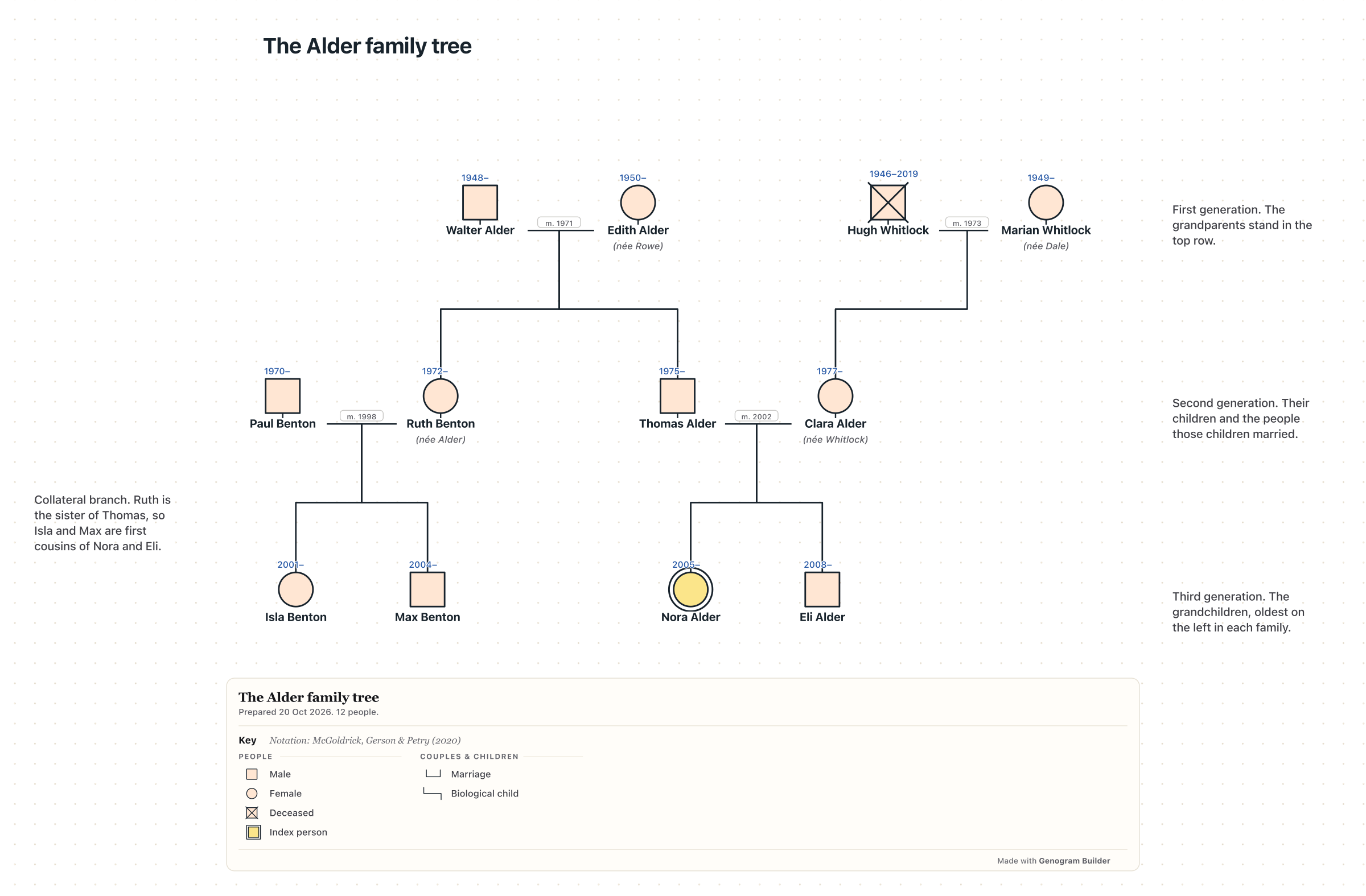
The editor links a child to one parent alone when no partner is drawn, so no placeholder spouse appears.
- Opens without an account
- Opens GEDCOM files from Family Tree Maker
- Undo for every change
Back up the tree before you detach anyone
Detaching changes relationships across the family, and Russ Worthington warns in his 2017 post that detaching the unknown spouse also removes the marriage date. Back up the file first, or undo at once with Edit and Undo if the result is wrong.
FTM 2024 keeps a longer history. The article Undoing Recent Changes in FTM 2024 says to open the Current Tree tab of the Plan workspace and the Change Log tab, select a change and click Roll Back Changes. Tick Backup your tree when it is offered, then click Roll Back Changes again to confirm.
Detach the children from the unknown parent and keep the known one
Before you remove an unknown spouse in Family Tree Maker, look at the children, who must stay with the parent you know. The article Straightening Out Relationships in FTM 2024 gives the steps for detaching a child without deleting them. Go to the Tree tab on the People workspace and make sure the family is the focus of the family group view. Select the child. Click the arrow next to the People button on the main toolbar and choose Detach Selected Person from the Attach/Detach Person menu. Tick the checkbox next to the father or the mother, then click Detach.
Tick only the box of the unknown parent, so the child keeps the known one. MacKiev does not say that this removes the [unknown spouse] entry. Users on the genealogy-specialists.com forum report, for FTM 2019, that once every child is detached from the unknown parent the entry disappears. When the child belongs with a real second parent instead, use Attach Mother/Father from the same menu, select the parent and choose the family the child belongs to.
A marriage date with no partner keeps the empty family alive
A person with no children can still show [unknown spouse] when a marriage date was entered for them. In his 2009 post, Russ Worthington writes that deleting a person does not remove the shared marriage fact. His fix is to delete the marriage date and accept the warning that follows. In the 2017 post he opens the Person menu, chooses Attach/Detach and Detach, and ticks the unknown spouse. He notes that this resolved the entry even though the tree view did not change.
These steps come from a user’s blog and not from MacKiev, and they were written for FTM 2009 and FTM 2017. Write the date down before you delete it, and add it back as a note or as a fact of the person if it records a real marriage to a spouse whose name you do not know.
Merge the unknown spouse when the real spouse is already in the tree
Sometimes the unknown spouse is a person you have entered under another family. Forum users describe naming the unknown spouse and then merging that entry with the real person, which keeps the children and the marriage together. MacKiev does not describe this use of the merge, but it documents the merge itself and advises merging duplicates rather than deleting one, so that no information is lost.
In FTM 2024, select one of the two people on the Tree tab, click the arrow next to the People button and choose Merge Two Specific Individuals. Select the other person, click OK, choose which facts to keep in the Individual Merge window, and click OK. The Windows merge article for FTM 2008 to 2019 uses Person, then Merge Two Specific Individuals, and the Mac merge article uses the People menu. Both offer a backup first.
An Unknown relationship type is a different problem
Family Tree Maker also has a relationship type named Unknown, which describes how two named partners are related. It is not the [unknown spouse] placeholder. The article Managing Relationships in FTM 2019 changes it in bulk. Choose Manage Relationships from the Edit menu, back up if asked, choose Unknown in Show relationships, tick the couples, choose Spouse under Change selected relationships to this type, click Apply and then Close.
MacKiev’s list of what is new in FTM 2024 says that relationships shown as Unknown by mistake can now be changed to Spouse in a single action. An update to FTM 2019 fixed trees that synced relationships from Ancestry as Unknown instead of Spouse.
The detach command sits in a different menu in each version
Removing an unknown spouse in Family Tree Maker uses Detach Selected Person in every version since FTM 2008, but the menu that holds it has moved. Use the row that matches your version. In FTM 2017 to 2019, the article Fixing Relationship Mistakes in FTM 2017-2019 also shows how to check the result, with the Kinship Report and Show unrelated individuals, or the Extended Family Chart with Include all individuals.
| Version | Where Detach Selected Person is | MacKiev article |
|---|---|---|
| FTM 2024 | Arrow next to the People button, then Attach/Detach Person | Straightening Out Relationships in FTM 2024 |
| FTM 2017 to 2019 | Person menu, then Attach/Detach Person | Fixing Relationship Mistakes in FTM 2017-2019 |
| FTM for Mac 1 to 3 | People button, then Attach/Detach Person | Fixing Relationship Mistakes in FTM for Mac 1-3 |
The editor links a child to one parent without a placeholder
Genogram Builder records a family differently. When you add a child to a person who has no partner on the chart, the child is linked to that parent alone, and no unknown partner is drawn. When the other parent is found later, add them with Partner and link the child to the new couple. Add a child shows each step, and every change can be undone.
To see your Family Tree Maker family on a chart, export a GEDCOM file and open it in the editor with Import a family file. The editor does not change your tree file, so make the fixes above in Family Tree Maker and export again.
Common questions
Whether detaching deletes the children
No. MacKiev says Detach Selected Person removes the child from that family without deleting them from the tree. Tick only the unknown parent, so that the child keeps the other.
Whether to delete the unknown spouse as a person
Russ Worthington writes that deleting the person does not remove a shared marriage fact. Detach the children and clear the marriage date first.
Finding every unknown spouse in a tree
MacKiev gives no search for them. Russ Worthington found his by running a marriage report sorted by wife and looking for a marriage date with no wife.
Sources and methodology
We make Genogram Builder. We used the references below for this guide. Last checked on 11 November 2026.
- MacKiev, Straightening Out Relationships in FTM 2024
- MacKiev, Fixing Relationship Mistakes in FTM 2017-2019
- MacKiev, Fixing Relationship Mistakes in FTM for Mac 1-3
- MacKiev, Managing Relationships in FTM 2019
- MacKiev, What’s New in FTM 2024
- MacKiev, Undoing Recent Changes in FTM 2024
- MacKiev, Merging Duplicate Individuals in FTM 2008-2019 for Windows
- MacKiev, Merging Duplicate Individuals in FTM 1-3, 2017 and 2019 for Mac
- Russ Worthington, Unknown spouse created in error, 2009
- Russ Worthington, The case of the UnKnown Spouse, 2017
- Genealogy Specialists forum, Removing an unknown spouse
Draw a parent and child with no placeholder partner, or open the GEDCOM file of your tree as a chart.