Family tree software keeps the tree on your computer or on a server
The first choice is where the tree lives. A desktop program stores it in a file you control and works without a connection, and you back it up yourself. An online service stores it on its servers, searches its own records against your tree and lets relatives see it, while the records and some features sit behind a subscription. You can use both, keeping the desktop file as the master copy with an online tree synced to it, which Family Tree Maker and RootsMagic both offer for Ancestry.
GEDCOM is what lets you change your mind. It is the exchange format of genealogy software, and version 7.0 is the current release, prepared by FamilySearch. Every program in the table below says it reads GEDCOM, except Ancestry, whose pages we could not open, so a tree started in one can move to another. RootsMagic and MyHeritage write photographs to GEDCOM as links rather than as the pictures, so copy the media folder by hand.
| Program | Price on 10 November 2026 | Runs on | GEDCOM | Offline | Syncs with |
|---|---|---|---|---|---|
| Family Tree Maker 2024 | $80 once, download | Windows 10 or later, macOS 11 or later | Import and export | Yes | Ancestry, and branches from FamilySearch |
| RootsMagic 12 | $39.95 once, Essentials free | Windows 10 or 11, macOS 12 or later | Import and export | Yes | Ancestry through TreeShare, and FamilySearch |
| Legacy Family Tree 10 | Free | Windows 7 to 11, Intel Macs through Windows | Import and export | Installed on the computer | FamilySearch, and not Ancestry |
| Gramps 6.0.8 | Free and open source | Windows, macOS and Linux | Import and export, version 5.5.1 | Yes | Gramps Web through an addon |
| Ancestry | Not shown to us on 10 November 2026 | Website | Not checked, its pages were closed to us | Needs a connection | Family Tree Maker and RootsMagic |
| MyHeritage | Free to 250 people, then paid plans | Website, phone app, and Family Tree Builder for desktop | Import and export | Family Tree Builder installs on the computer | Family Tree Builder and its app |
| FamilySearch | Free with a free account | Website | Upload only, through Genealogies | Needs a connection | Certified partner programs |
| Genogram Builder | Free, Pro $12 a month or $99 a year | A web browser | Import only | Needs a connection to open | Its own account |
Genogram Builder
See a GEDCOM file as a chart
Open a GEDCOM file from any of these programs in the browser, review what it found, and print the family as a chart.
- Imports GEDCOM, GenoPro and Gramps files
- Opens without an account
- PNG, PDF and JSON with a free account
Four desktop programs cover Windows, Mac and Linux
Family Tree Maker 2024, published by Software MacKiev, costs $80 as a download and runs on Windows and Mac. It syncs a tree with Ancestry at no charge, downloads branches of the FamilySearch tree and shows hints from FamilySearch records. Its tree is stored on your computer, and syncing and web search wait for a connection.
RootsMagic 12 costs $39.95, and RootsMagic Essentials is free with no limit on people. It runs natively on Windows and Mac, works offline, syncs with Ancestry through TreeShare and with the FamilySearch Family Tree, and imports Family Tree Maker files. The RootsMagic vs Family Tree Maker comparison sets the two side by side.
Legacy Family Tree 10 is now completely free, and every feature of the old Deluxe edition is included. It runs on Windows, and on a Mac only through Windows on an Intel machine. It is certified to sync with the FamilySearch Family Tree, and its help centre answers no to syncing with Ancestry. Gramps is free, open-source software under the GPL. Version 6.0.8 came out on 9 April 2026 for Windows, macOS and Linux, keeps each tree on the computer and imports and exports GEDCOM 5.5.1. A FamilySearch link for Gramps was in beta testing in September 2026.
Online services pair the tree with their own records
Ancestry did not let us open its pages on 10 November 2026, so this guide gives no Ancestry price. Software MacKiev says Family Tree Maker syncs with an Ancestry online tree at no charge, and RootsMagic TreeShare uploads a tree to Ancestry or downloads one, so a desktop program can keep an Ancestry tree in step.
MyHeritage lets anyone build a Basic family site free with up to 250 people and 500 MB of storage. Over 250 people the tree can be viewed but not extended. Its paid plans are Premium, for up to 2,500 people, PremiumPlus, with no limit, Data, for historical records, and Complete, which joins PremiumPlus and Data. Its prices did not load for us, and a one-year Complete gift membership showed $149 against a regular $299. MyHeritage exports a tree as GEDCOM without the photographs, and its free desktop program, Family Tree Builder, syncs with the online tree.
FamilySearch is free to everyone, and its records and its Family Tree need a free account. The Family Tree is one shared tree for the whole world, with one public profile for each person who has died, so you add to the same record as other descendants. You can upload a GEDCOM file to Genealogies, but a GEDCOM cannot be exported directly from the Family Tree. For that you use a certified partner program such as RootsMagic, Ancestral Quest, Legacy, Gramps or Heartwood.
A browser editor draws the chart without doing the research
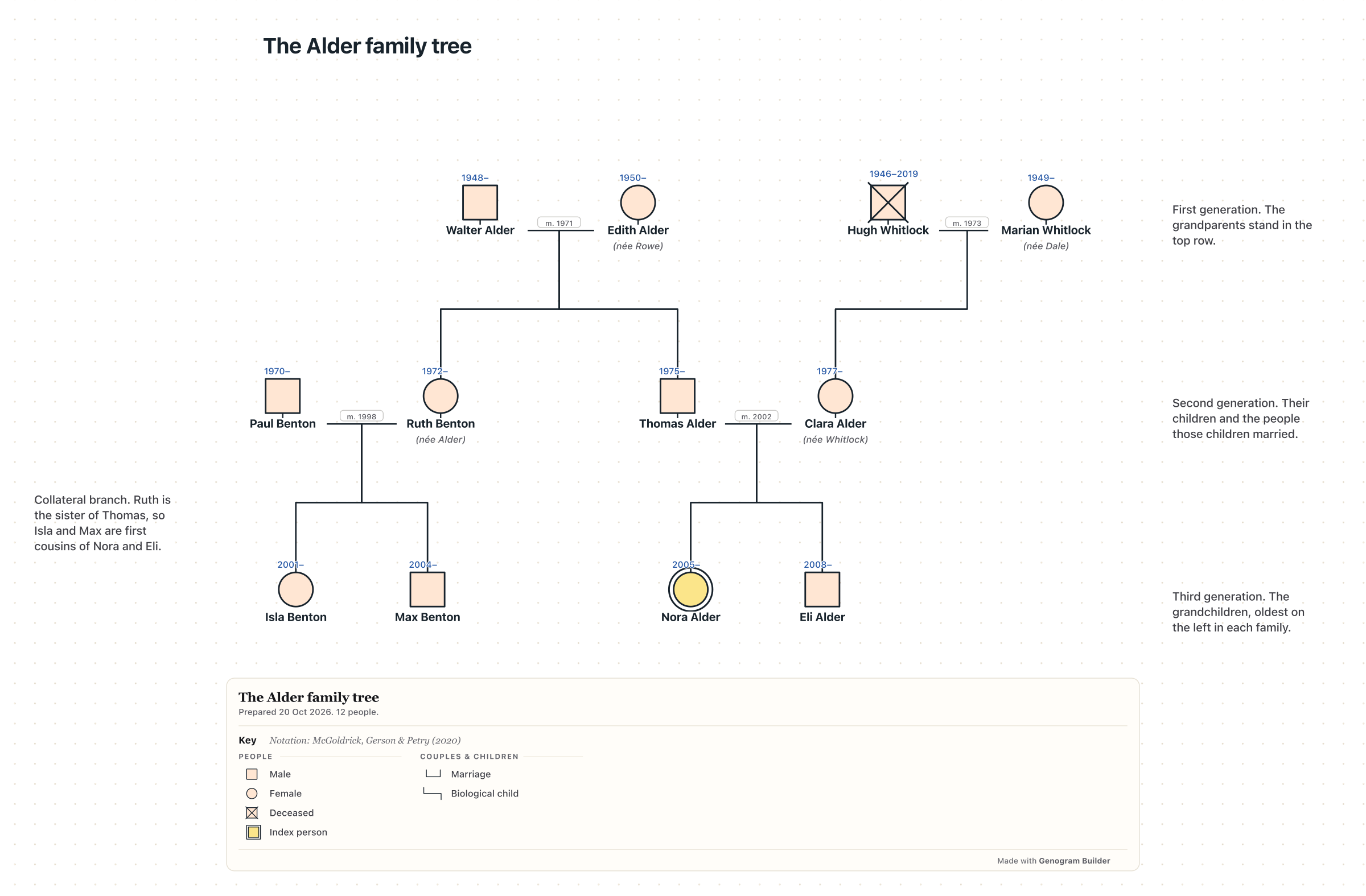
Genogram Builder is the editor this site makes, and it does a narrower job. It opens a GEDCOM, GenoPro, Gramps, Mermaid or spreadsheet file through Import a family file and shows what it found before placing anyone. Our test with a fictional GEDCOM file of four people on 10 November 2026 opened a review that read Four people and one couple. Drawing needs no account and stays in the browser. A free account keeps two charts of up to 50 people each and exports PNG and PDF with a watermark and a JSON project. Pro is $12 a month or $99 a year.
It does not search records, sync with Ancestry or FamilySearch, or write GEDCOM, so keep your research in one of the programs above. Use the editor when you want a clear chart of one branch for a reunion, a class or a relative, or a genogram that adds relationships and health beside the family tree.
Choose by where your tree lives and the files you need back
If your tree is already on Ancestry, Family Tree Maker or RootsMagic keeps a copy on your computer that syncs with it. If you work mostly with FamilySearch, RootsMagic and Legacy sync with its tree, a Gramps link is in beta testing, and Legacy and Gramps cost nothing. On Linux, Gramps is the only program here that installs natively. If you want to start free and online, MyHeritage holds 250 people at no cost, and FamilySearch is free with an account.
Whatever family tree software you choose, export a GEDCOM file now and again and keep it with your photographs in a second place. That file is the copy that opens in the next program, whichever company makes it. The guide on how to look up your family tree covers the records to fill it with.
Common questions
The best free family tree software
Legacy Family Tree 10 and Gramps are free with every feature, Legacy on Windows and Gramps on Windows, macOS and Linux. RootsMagic Essentials is free with no limit on people, and FamilySearch is free online with a free account.
Family tree software for a Mac
Family Tree Maker 2024, RootsMagic 12 and Gramps install on a Mac. Legacy runs on a Mac only through Windows on an Intel machine.
Moving a tree from one program to another
Export a GEDCOM file from the old program and import it into the new one, then copy the media folder by hand, because a GEDCOM file carries photographs as links. RootsMagic also imports Family Tree Maker files directly.
Sources and methodology
We make Genogram Builder. We used the references below for this guide. Last checked on 10 November 2026.
- Family Tree Maker 2024
- Software MacKiev store
- MacKiev support, Ancestry and Family Tree Maker
- RootsMagic 12
- RootsMagic purchase page
- RootsMagic Essentials
- Legacy Family Tree download
- Legacy 10 is free
- Legacy and Ancestry
- Gramps download
- Gramps 6.0.8 release
- Gramps FamilySearch beta
- Gramps Web sync
- MyHeritage Basic plan
- MyHeritage plan types
- MyHeritage gift membership
- MyHeritage GEDCOM export
- MyHeritage Family Tree Builder
- About FamilySearch
- FamilySearch Family Tree
- FamilySearch GEDCOM wiki
- FamilySearch solutions gallery
- GEDCOM specifications
- Genogram Builder plans
Export a GEDCOM file from your family tree software and open it in the editor with Import a family file. No account is needed to begin.